


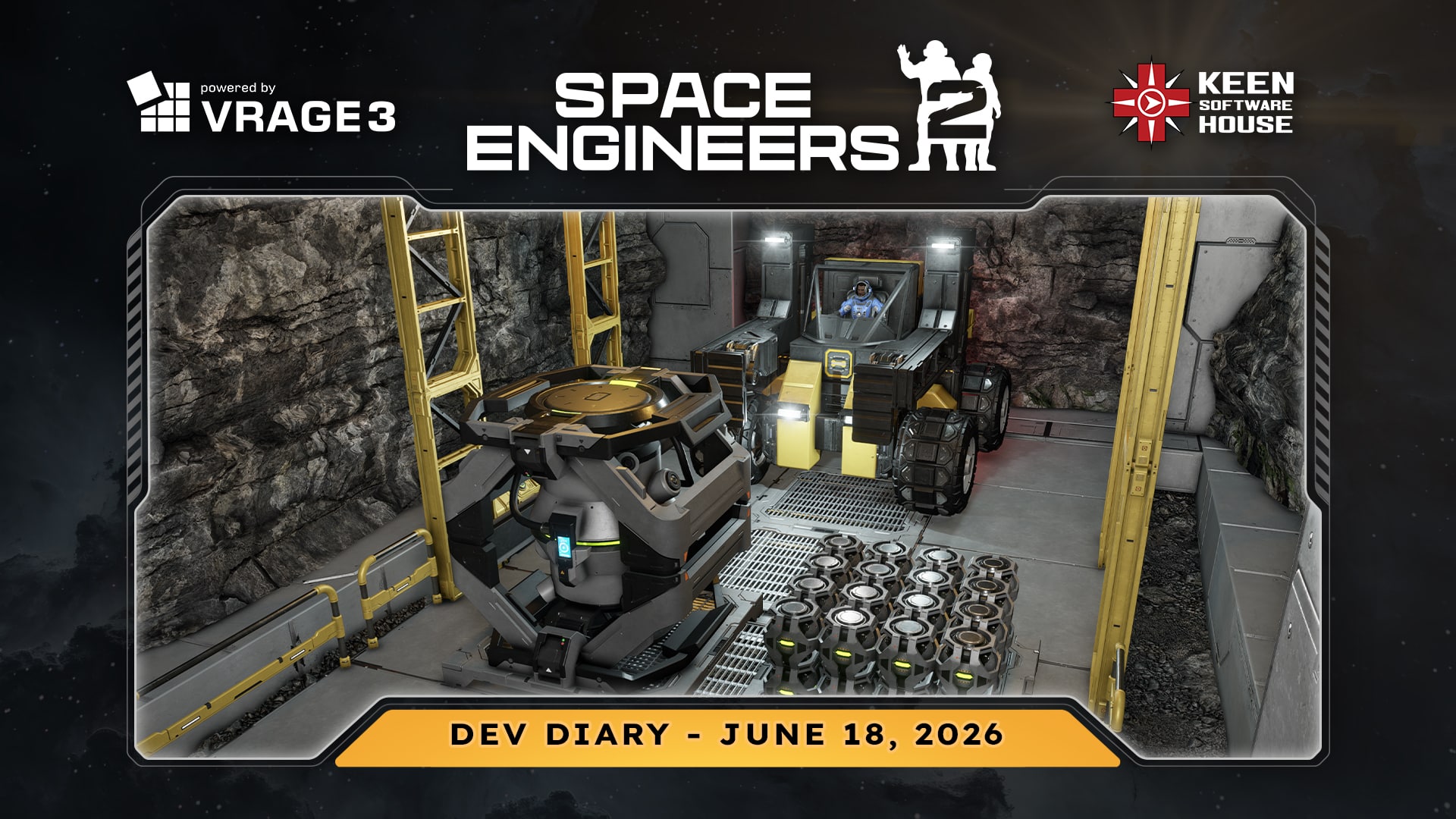
Our next major update VS2.3: “Drive, Automate & Detonate” is almost here- releasing in June/July, It will bring the final Mechanical Blocks (Wheels & Hinges), destructive Warheads, and core Automation tools (Timer, Sensor, Event Controller) to the game!
VS2.3 Event Controller
The new and improved Event Controller is one of the main VS2.3 features I am most excited about, because it turns your grids into systems that can react to what is happening around them. It will be huge!
In Space Engineers 2, the Event Controller is built on top of new VRAGE3 systems that let it track many different grid and block parameters. For players, this opens up a lot of practical engineering. You can make hangars react to doors and connectors, warning lights react to power or fuel levels, vehicles react to speed or terrain conditions, weapons systems react to ammo or targets, and automation chains react without needing complicated manual setups.
Grid Parameters
- Blocks Added
- Blocks Removed
- Atmosphere %
- Linear Speed
- Angular Speed
- Mass
- Gravity
- Dampeners enabled
- Total Power Consumption % (includes Hydrogen consumption)
- Altitude
Block Parameters
- Last Value
- Functional/Not Functional
- Integrity
- Enabled
- Supplied
- Inventory Filled (%)
- Opened (for doors)
- Resource Consumption (% of Max)
- Resource Production ( % of Max)
- Stored Resource (%) – for batteries/tanks
- Occupied – character in cockpit
- Rotor angle
- Piston distance
- Ready To Align – for connectors
- Ready To Connect – for connectors, landing gear
- Connected – for connectors, landing gear, hinges, rotors
- Producing – for production blocks
- Ores detected – count of ore nodes for ore detectors
- Weapon Ammo – for block weapons
- Weapon Shot – triggers when the weapon fires
- Weapon target acquired – for turrets
- Entity entered/exited area – for sensors
- Timer activated
- Move left/right/up/down (separate float actions, analog)
- Look up/left/roll/etc. (float actions, analog)
- Velocity forward/right/up
The Event Controller also supports logic modes, so you can decide whether all selected blocks must match a condition, or whether any of them is enough. It also has separate true and false toolbars, which makes it much easier to build systems that both activate and reset themselves.
This is exactly the kind of block I love in Space Engineers: simple to understand, but very powerful once players start combining it with sensors, timers, buttons, hinges, wheels, warheads, and everything else VS2.3 adds. Emergent complexity!
Do you want to send out an ore probe to mark ore deposits for you? No problem, here you go!
Do you want to set up your own custom turrets using just the Event Controller? No problem!
Have an idea for a Lidar Drone? Just make it!
Convoy with automated trailer legs? Set it up!
And together with new Timers and LCDs you can nicely group your ship logic centre into your own thematic Server Racks. 😉
Wind Physics
In VS2.3, sandstorms will become more than just something you see – they will become something you have to engineer around!
We introduced visual wind effects in the previous major update, and now strong wind will have real physical / gameplay consequences. It can push airborne characters, dynamic grids, floating objects, loose debris, and fractures. Static grids are safe, so your bases will not suddenly fly away. But ships, rovers, crates, and anything not properly secured can be affected when the weather gets rough.
This makes planetary flight more interesting. A nimble ship may be fast and convenient, but during strong wind or a sandstorm, staying stable in the air becomes much harder. Dampeners will fight the wind, mass will help, and broad flat surfaces will catch more force. In practice, this creates a real reason to build heavier, more stable vehicles, mobile bases, and rovers for dangerous weather conditions.
You can also use the environment to your advantage. Wind is affected by terrain and structures, so mountains, valleys, hangars, and large buildings can act as windbreaks. If you park behind cover or build proper shelter, you can reduce or even block the wind force.
I really like this direction because it makes the weather more than a visual effect. It becomes part of the engineering problem. The planet is not just a place where you build – it pushes back.
LCDs
The new LCD panels in Space Engineers 2 will also be more flexible than simple static screens. We are adding functionality for dynamically changing the images displayed on the panels, which opens the door to more interactive and reactive status displays.
The system is also fully data-driven. This means modders will be able to define new LCD block types with different layouts, resolutions, and visual styles by editing definitions, without needing code changes. This is important for us because LCDs are one of those blocks that players and modders always find new uses for, so we want the foundation to be flexible from the start.
Art Team
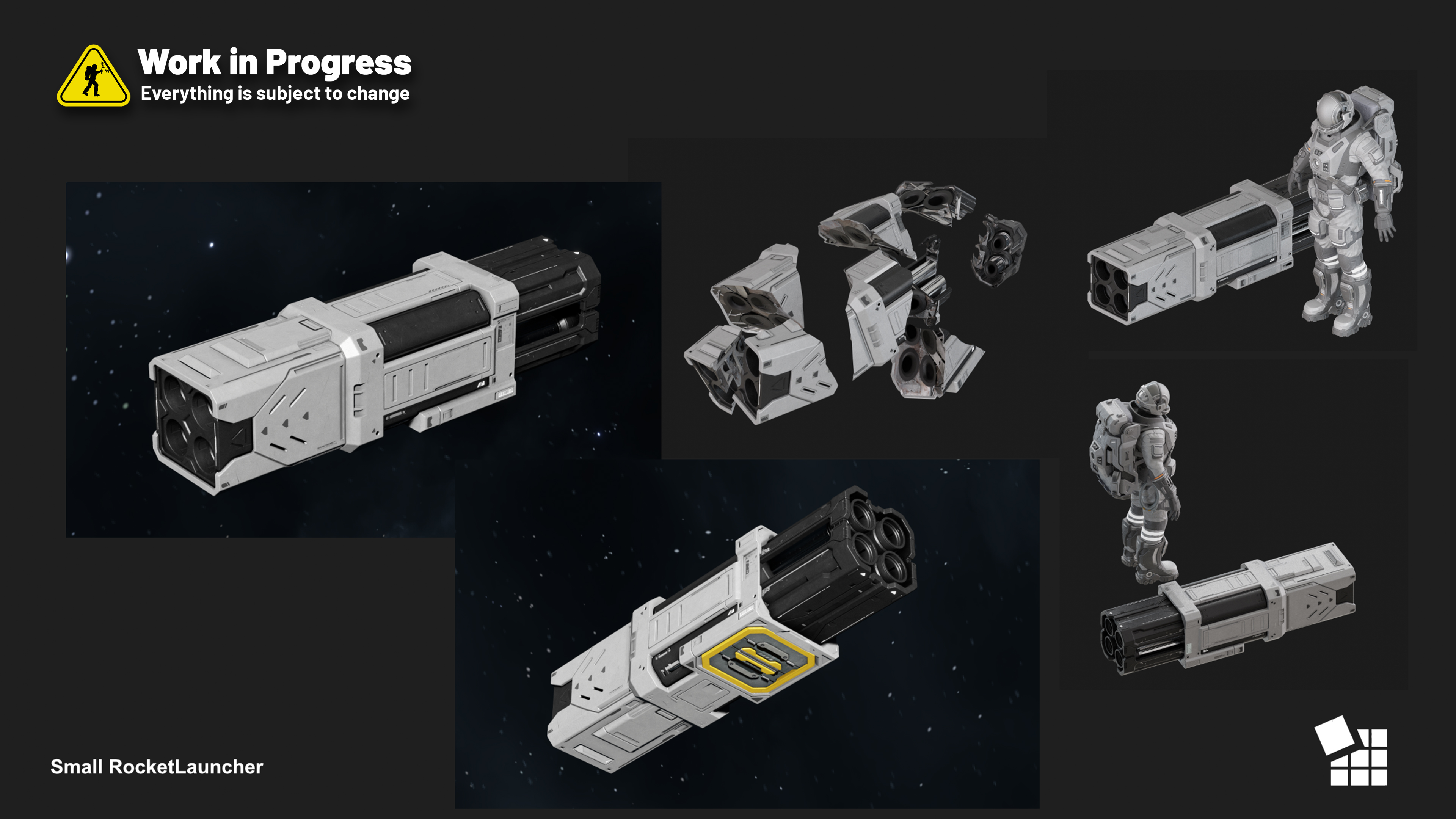
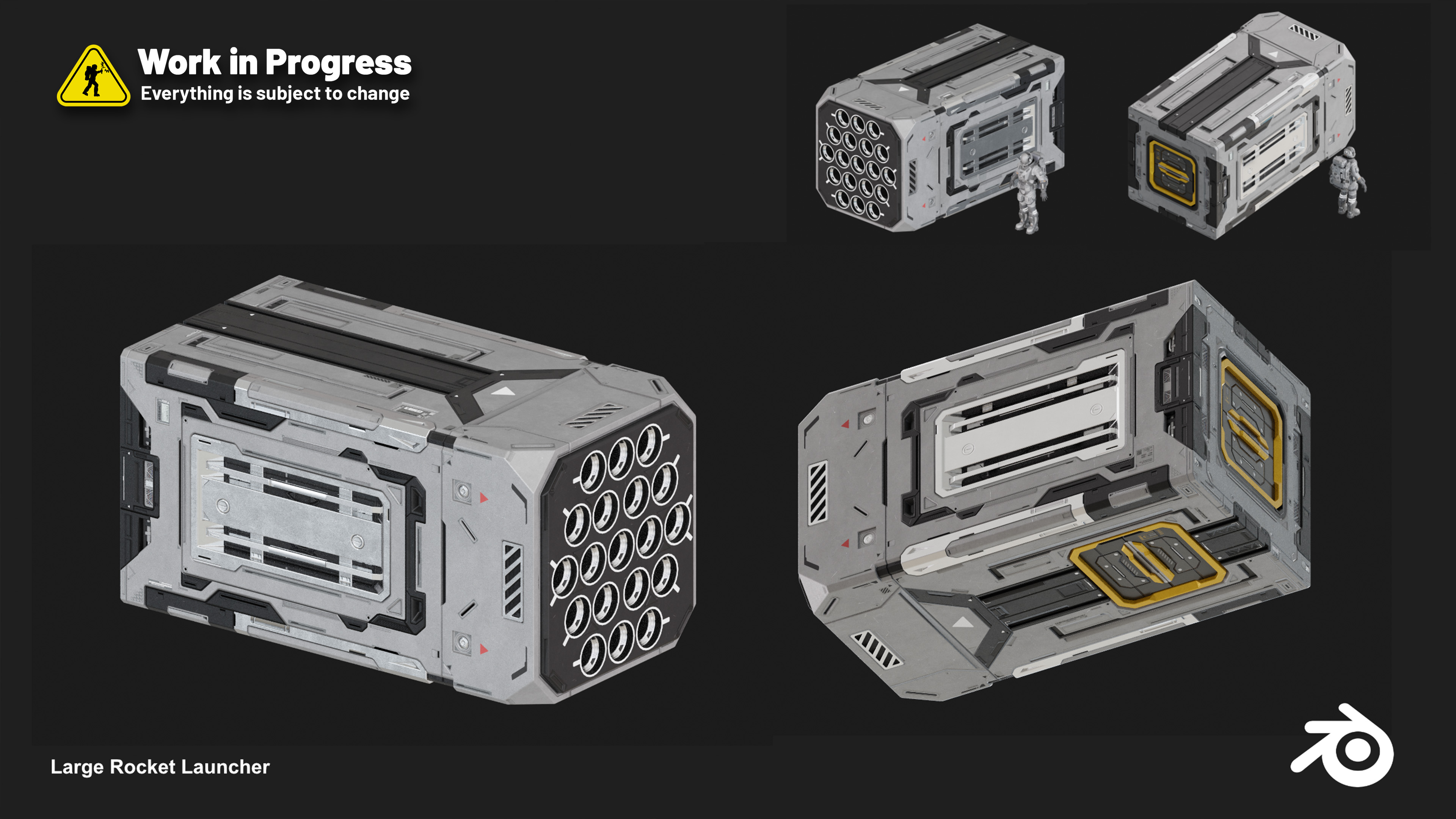
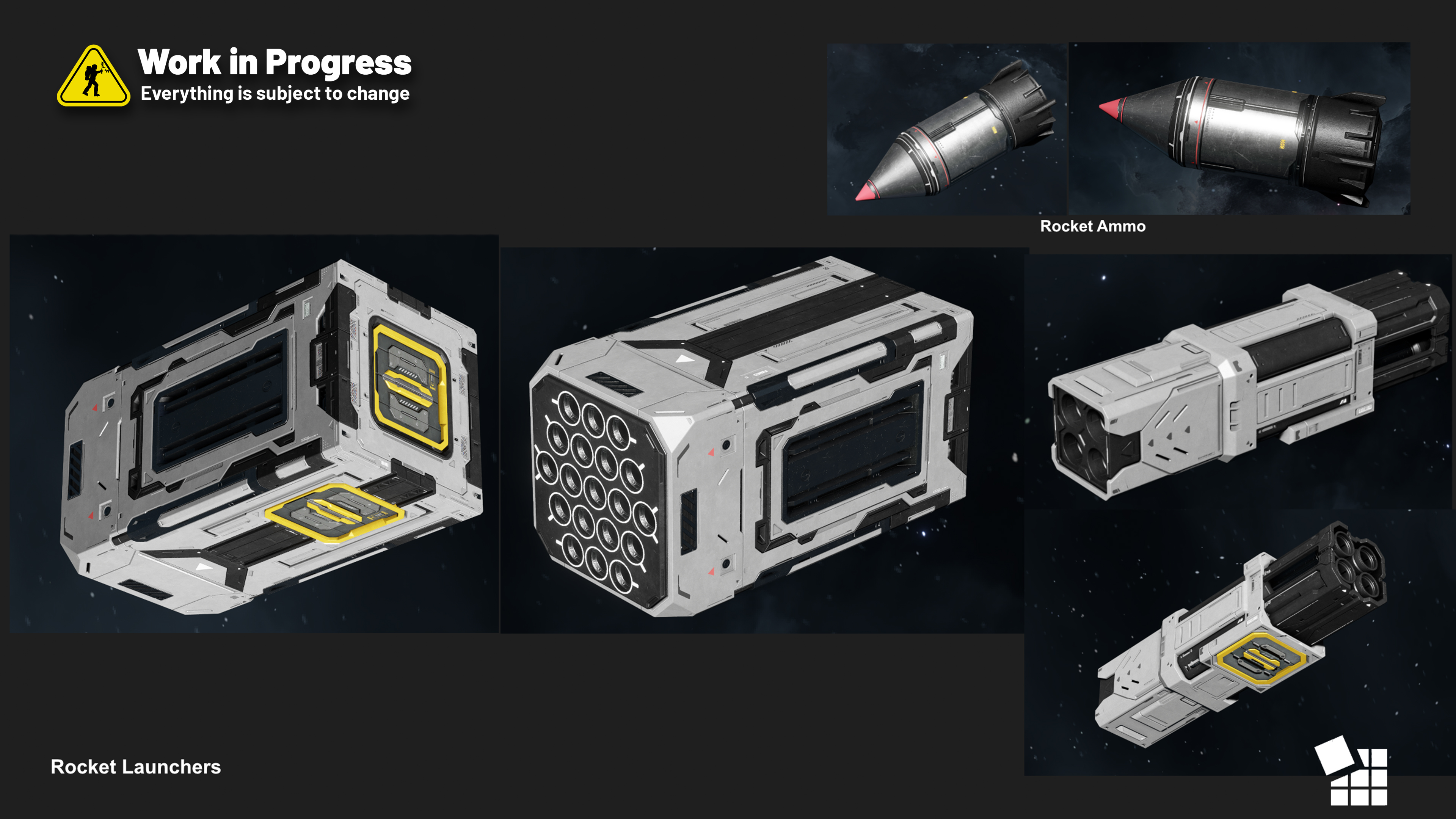
The art team has been working on the new small and large Rocket Launcher models.
We are adding better-fitting thruster particle effects for landing, so dust, smoke, and surface reactions feel more natural when ships touch down on various surfaces.
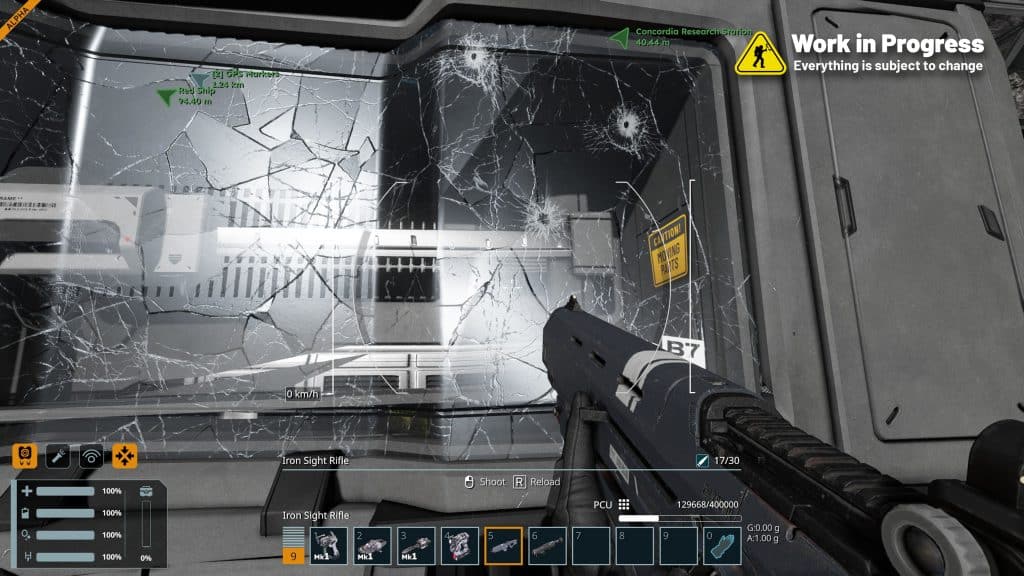
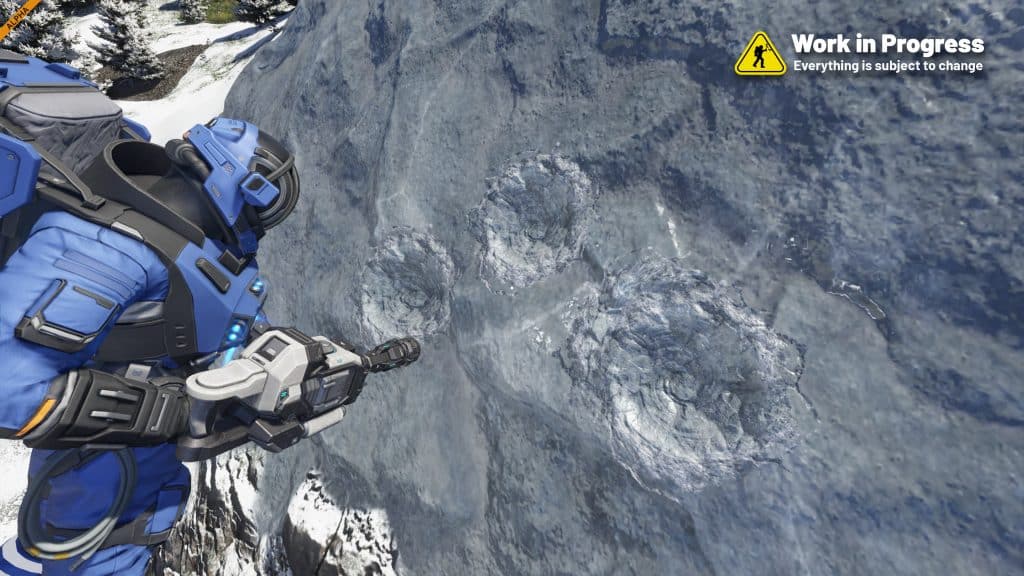
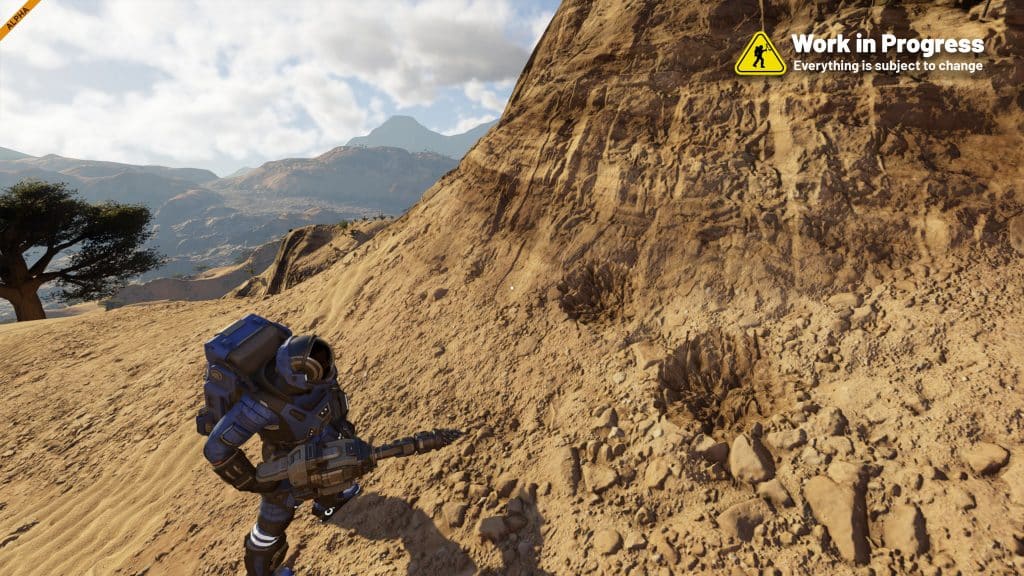
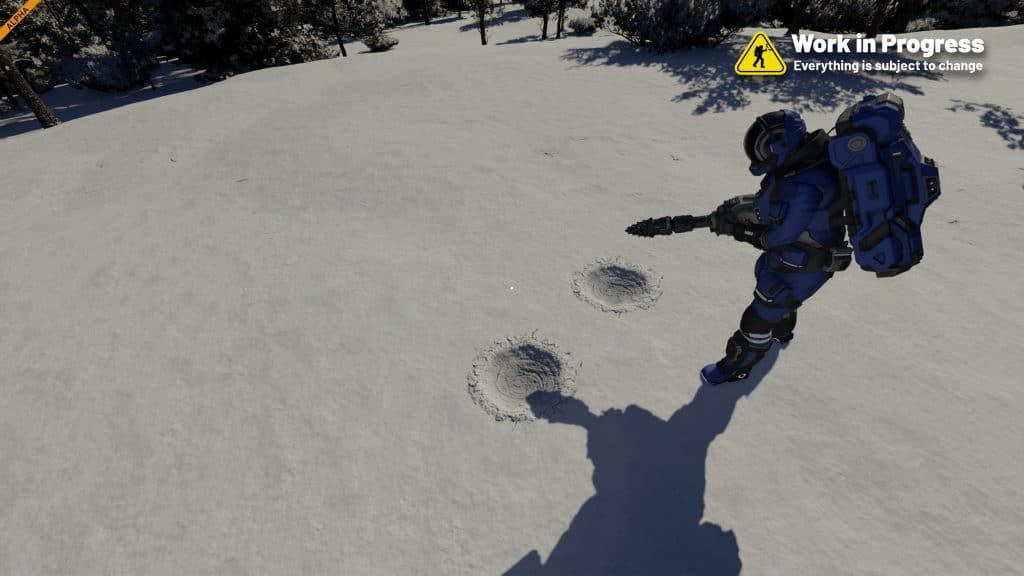
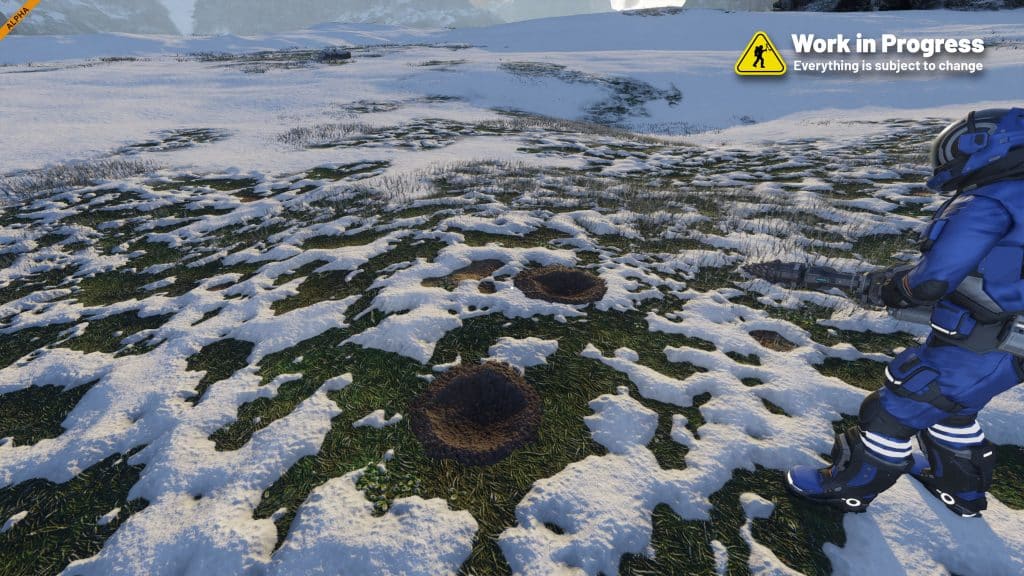
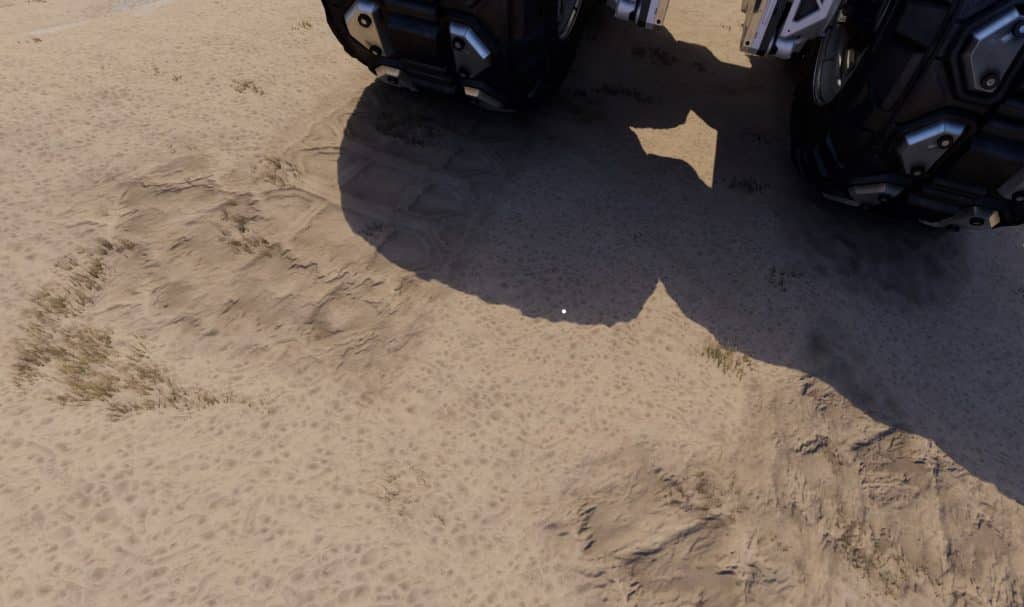
We are also adding dynamic decals not only for for bullet hits, but also for drills impacting voxels, explosions, and wheels – so the world reacts more visibly to what you are doing.
Question to you: What parts of your creations will you automate first?
Full Blog Post: https://blog.marekrosa.org/2026/06/mareks-dev-diary-june-18-2026/
Subscribe and get an email whenever we publish a new post!

🤩 Play Now or Wishlist on Steam: https://store.steampowered.com/app/1133870/Space_Engineers_2/
🛠️ Feedback & Support – https://support.keenswh.com/
🗺️ Roadmap: https://2.spaceengineersgame.com/roadmap-2/#current
🛰️ Discord: https://discord.gg/keenswh
📫 Newsletter: https://www.keenswh.com/newsletter
➡️ Connect and find us on your platform of choice: https://www.keenswh.com/connect/